.png?width=300&height=63&name=Screenfeed%20Logo_White%20(1).png)
Safety Tips Feed
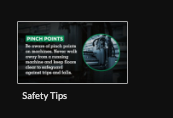
Begin configuring your feed from the content menu by selecting the Safety Tips tile.
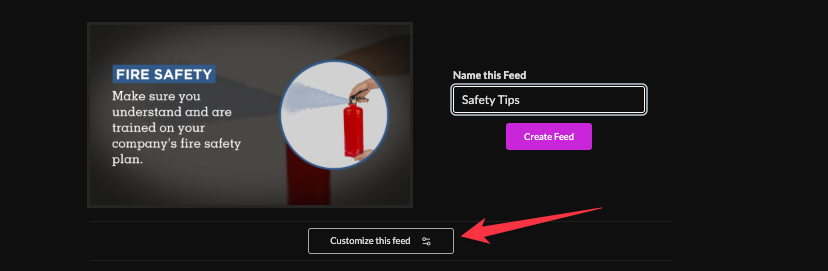
Set a custom name and click "Customize This Feed".
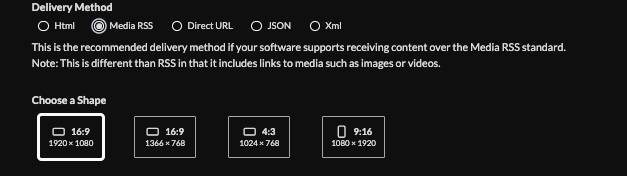
Set delivery method (HTML media, RSS, direct URL, Json data)Learn more about advantages to each delivery method here www.screenfeed.com/support-articles/delivery-methods-available
Click "Create Feed"