.png?width=300&height=63&name=Screenfeed%20Logo_White%20(1).png)
About Geolocation
- Screenfeed uses a geolocation API over https to try to determine your/ your devices location.
- This API will request via a web/engine, web browser or playback software to access device information.
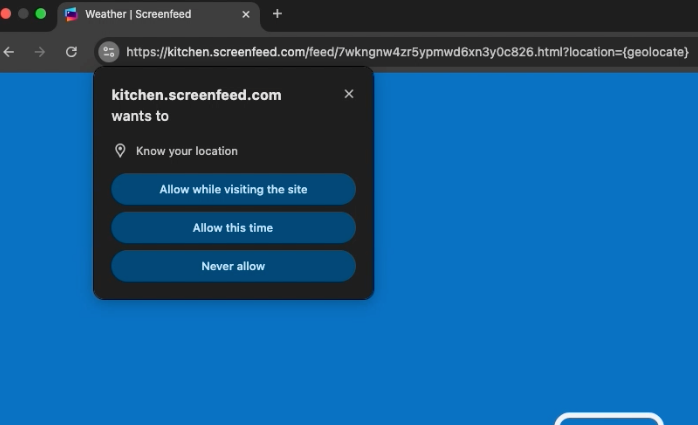
- Since geolocation data may reveal information that you do not want to share. You must grant explicit permission via a prompt
Here is further information on the Geolocation API.
https://developer.mozilla.org/en-US/docs/Web/API/Geolocation_API
How to apply Geolocation to feeds
- Begin configuring a feed from the content menu that includes a location option.e.g. (Weather Graphics)
- Click to toggle from Enter Location to Use player location.
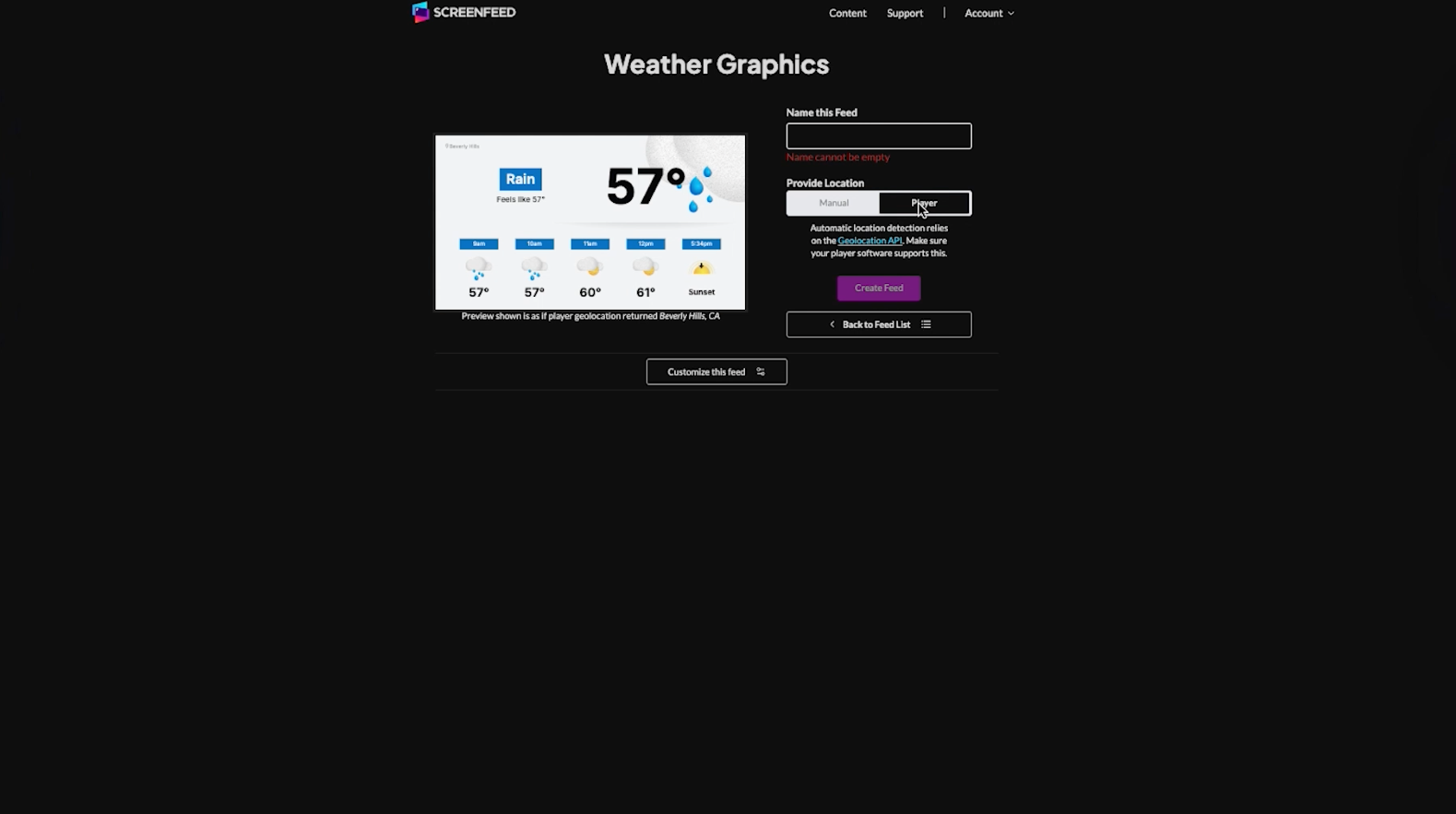
3. Continue with customization of the feed or Create feed to create/save the feed with geolocation applied.
4. When use player location is selected automatic detection is enabled, you may see a pop-up in your bowser to approve location services.