.png?width=300&height=63&name=Screenfeed%20Logo_White%20(1).png)
Air Quality Feed Configuration
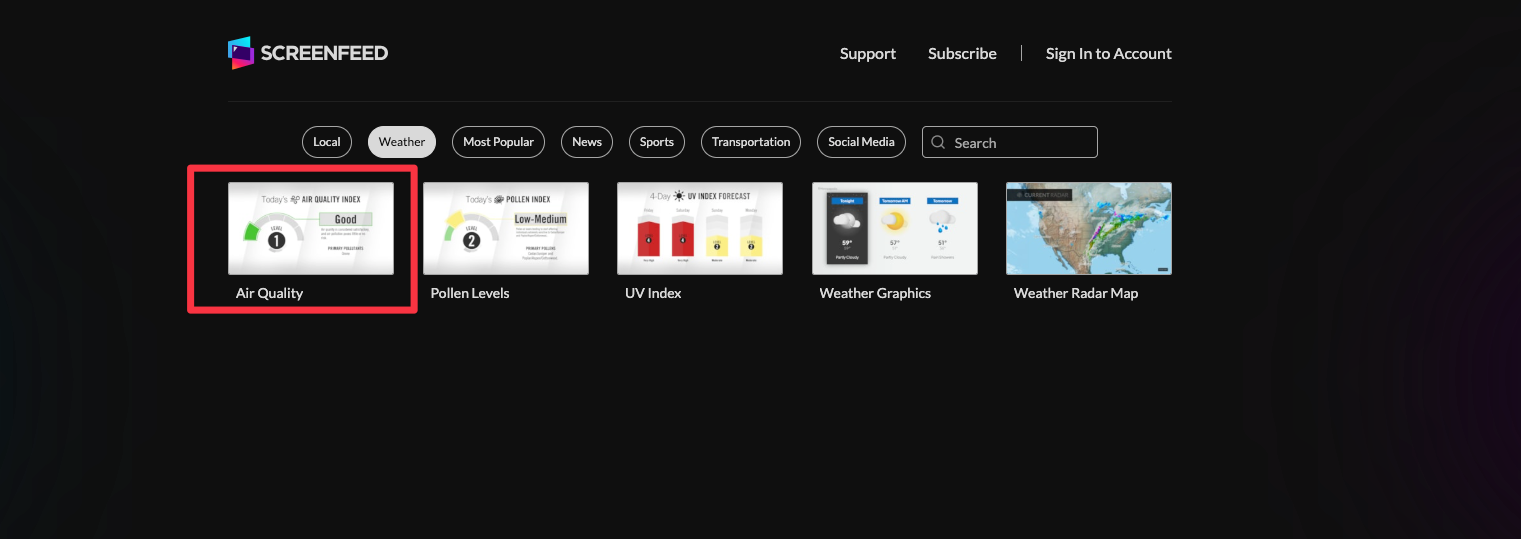
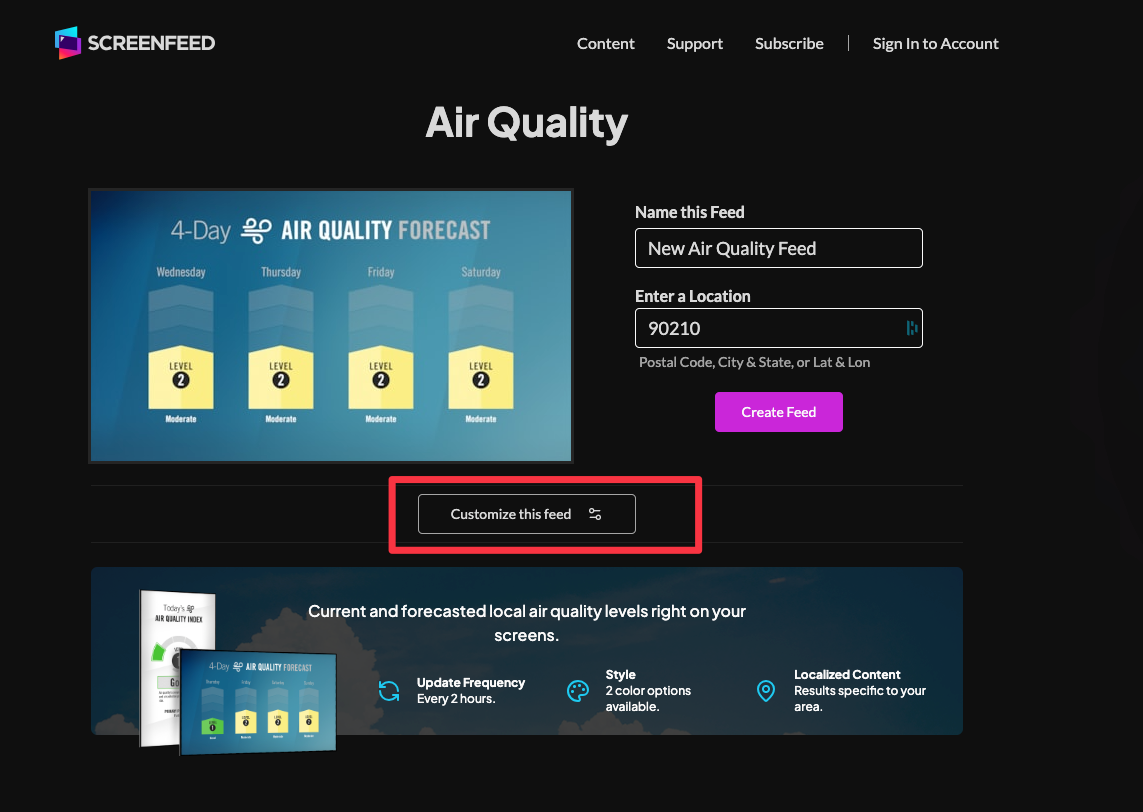
- Begin configuring your air quality feed from the content menu by selecting the Air Quality Tile.
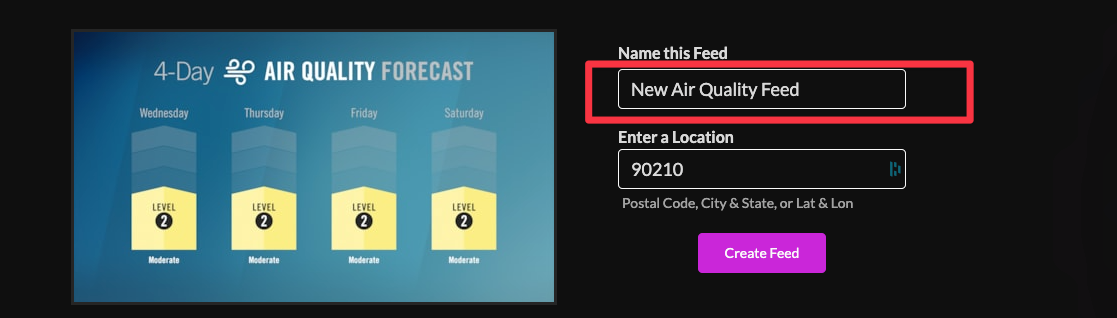
- In the new window on the right, set a custom name for the feed.
- Enter a location, which can be determined by postal code, city and state, or latitude and longitude.
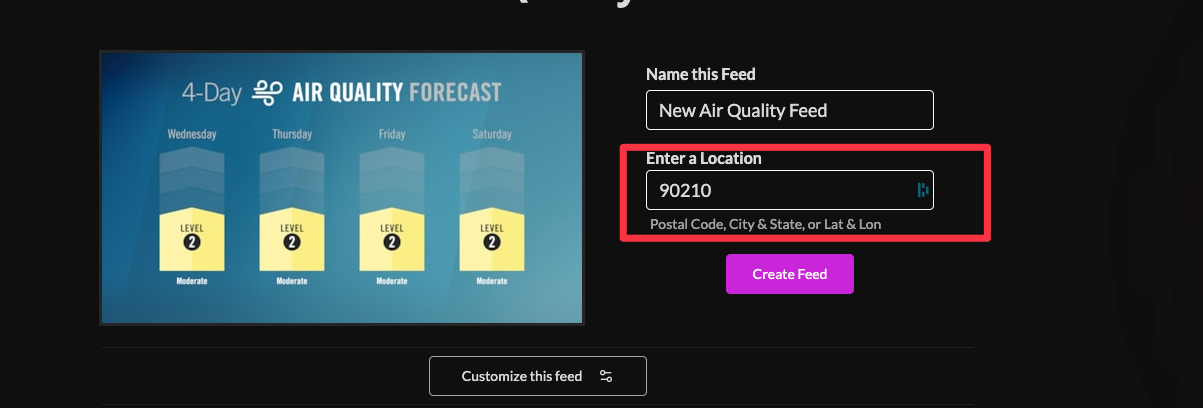
- Click "Customize this Feed" if you wish to further customize the feed, or click create feed to generate a feed url.
- Choose a theme; available themes are "blue hue" and "clean and clear".

- Set a duration for the feed (default is 10s)

- Choose your delivery method (HTML media, RSS, direct URL, or Json data).

Click the Create Feed button to create your feed.